Krita

4


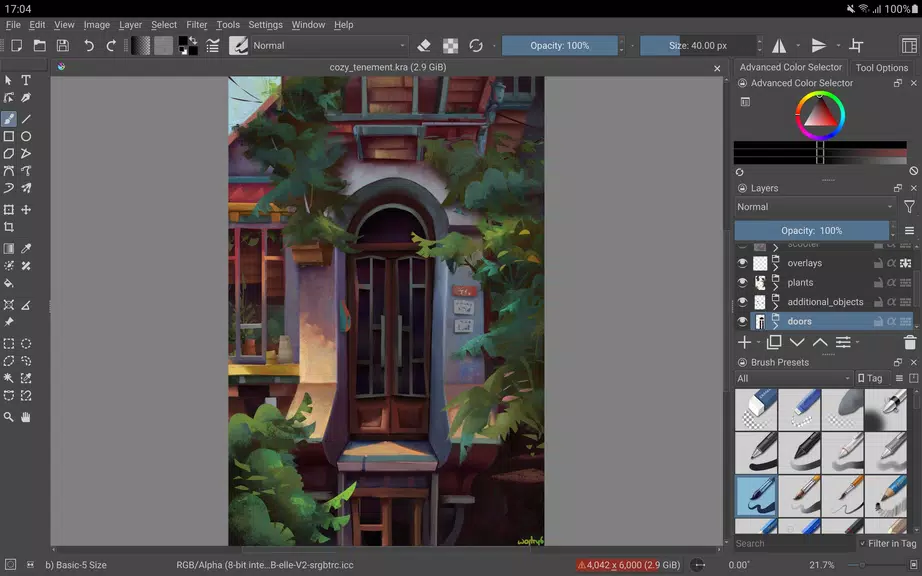
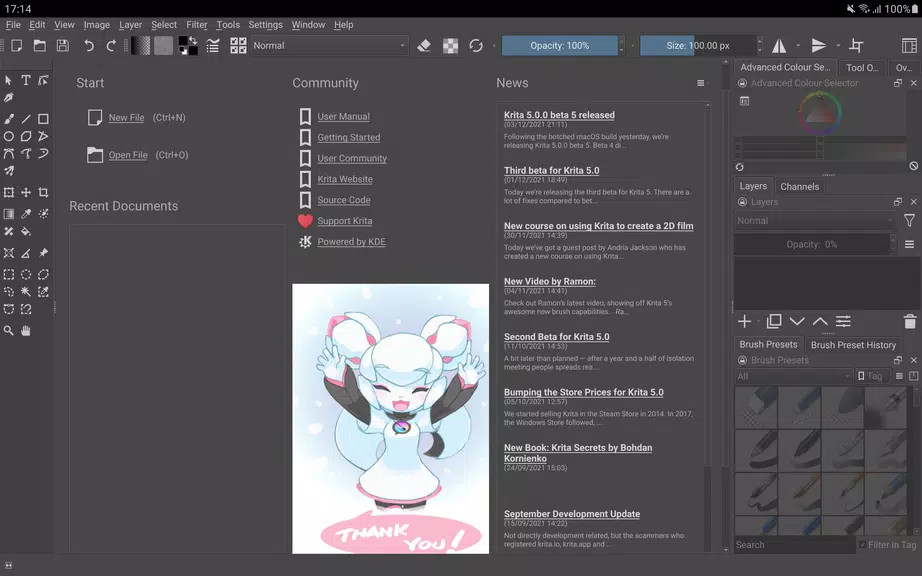
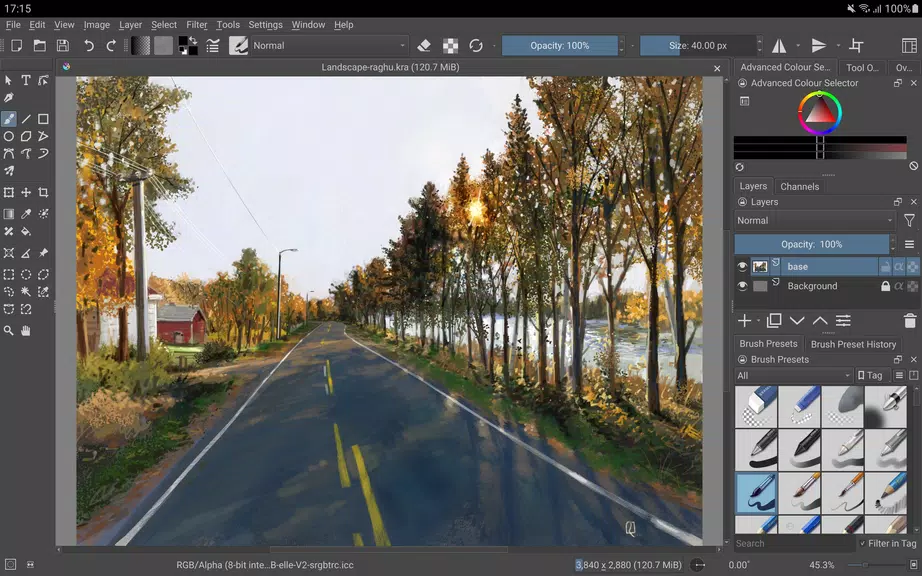
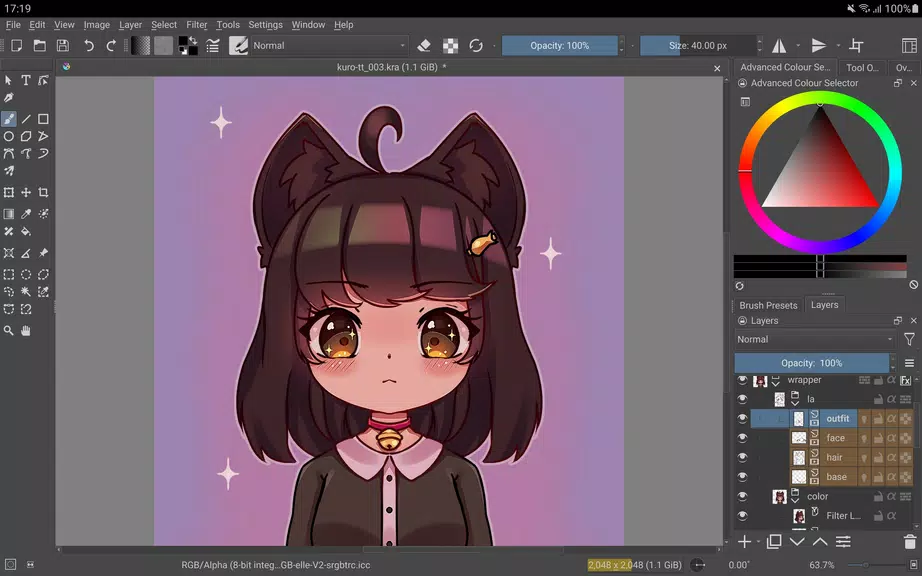
Krita is a full-featured digital painting app aimed at artists working on illustrations, comics, animations, concept art and storyboards. This Android build brings many of the desktop tools to large touch devices, focusing on pen and stylus workflows for tablets and Chromebooks. The release is a beta, intended for experimentation and feedback rather than final production work, and the developers are still polishing the interface and performance. If you prefer working on phones, Krita's current Android edition is not available for small screens yet.
At its core Krita functions like a layered painting studio: you work on a canvas with multiple layers, apply brushes and masks, and build compositions with non-destructive tools. Painting feels centered on brush engines and a flexible layer system, while facilities such as stabilizers and drawing assistants help when you are inking or constructing complex scenes. The app also supports frame-by-frame animation workflows with onion skinning and provides tools aimed at storyboarding and comic production, so you can sketch, stage and sequence visual ideas without switching apps.
Advanced brush engines provide a wide range of brush behaviors for sketching, painting and texturing, giving artists many options for stroke dynamics and blending.
Non-destructive editing is supported through clone layers, layer styles and filter and transform masks, letting you experiment without altering original pixels.
Animation and sequencing tools include onion skinning and project organization suited to storyboarding and comic workflows, making Krita useful for short animations and panel layouts.
Customization and automation are possible with scripting in Python and flexible workspace arrangements, so you can tailor the interface and behavior to your personal process.
File compatibility and color-managed workflows ensure you can work with common formats, including PSD, and keep color reproduction predictable across devices.
Krita presents a studio-like interface that puts the canvas first, with a distraction-free canvas-only mode for focused painting. The visual tools are aimed at emulating traditional media while also offering digital conveniences like precise selection and powerful filters. Overall the app has a professional, workshop feel that encourages iterative exploration rather than quick casual doodles.
For tablet and Chromebook users who want a robust, desktop-class painting environment on Android, Krita offers a deep set of tools to explore. As a beta it is best suited to testing, learning and early-stage creation rather than mission-critical production, and it is developed by the Krita Foundation and Halla Rempt Software as part of the wider KDE community.






















