MP4 to WMV Converter converts MP4 videos to WMV format with simple controls while preserving quality and supporting batch processing on your device.
Features
- MP4 to WMV Converter supports single and batch conversion with selectable resolution and bitrate.
- Offline conversion that retains original audio and common metadata when possible.
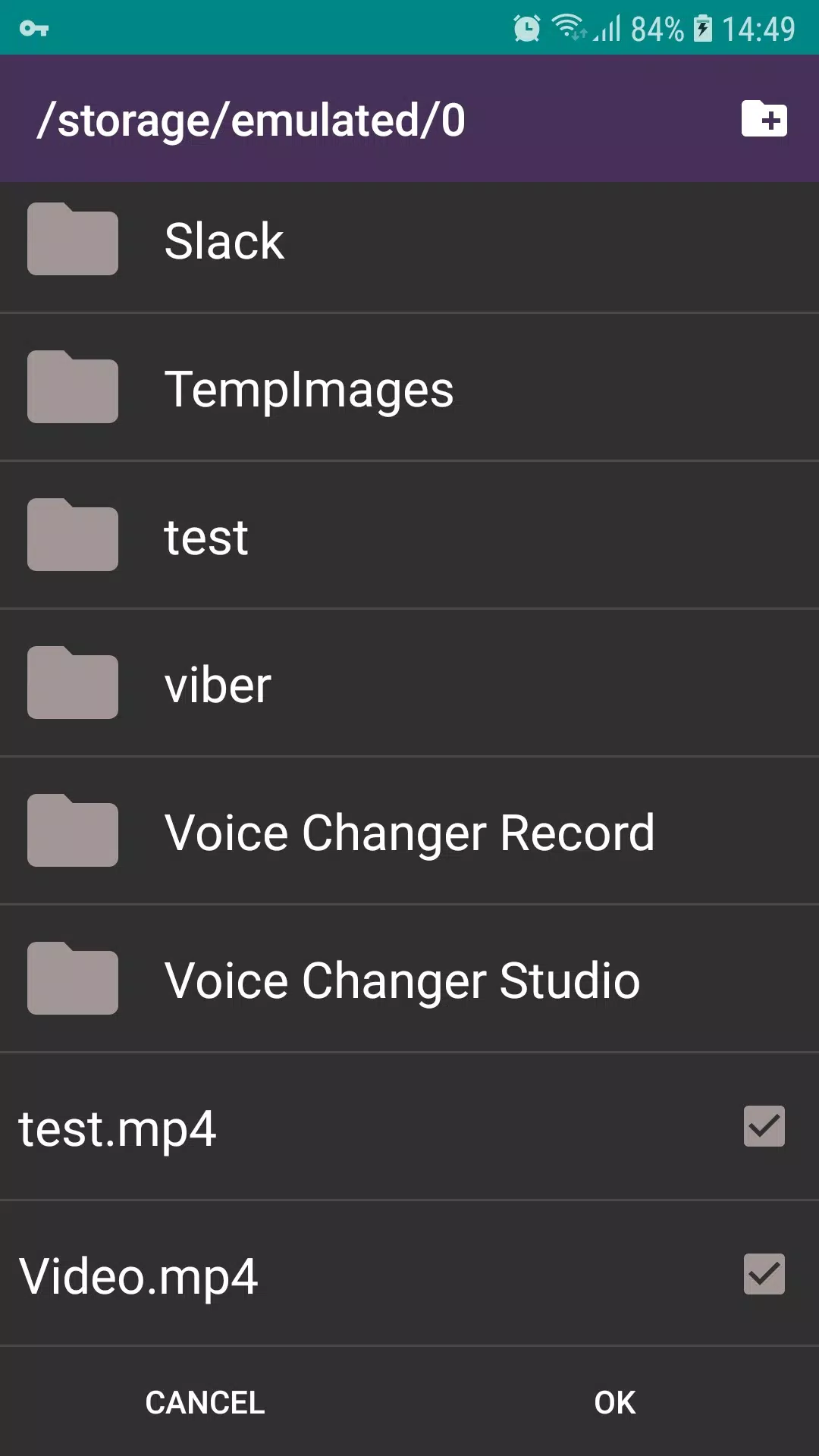
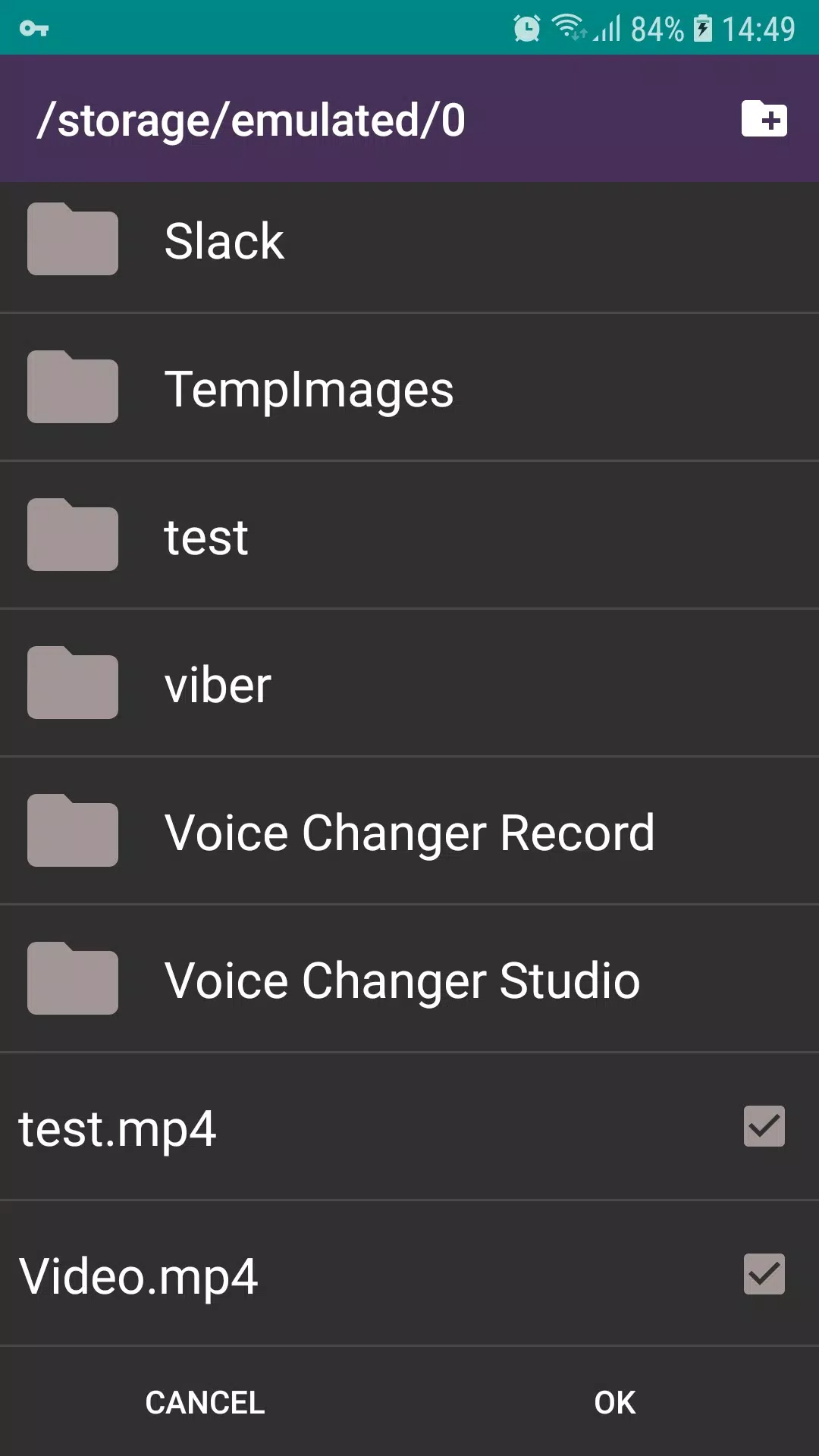
- Built-in file browser and preview player with progress indicators.
- Adjustable output settings: resolution, frame rate, codec choice, and destination folder.
How to use
- Open MP4 to WMV Converter and select the MP4 files on your device.
- Choose WMV as the output format and set quality or size preferences.
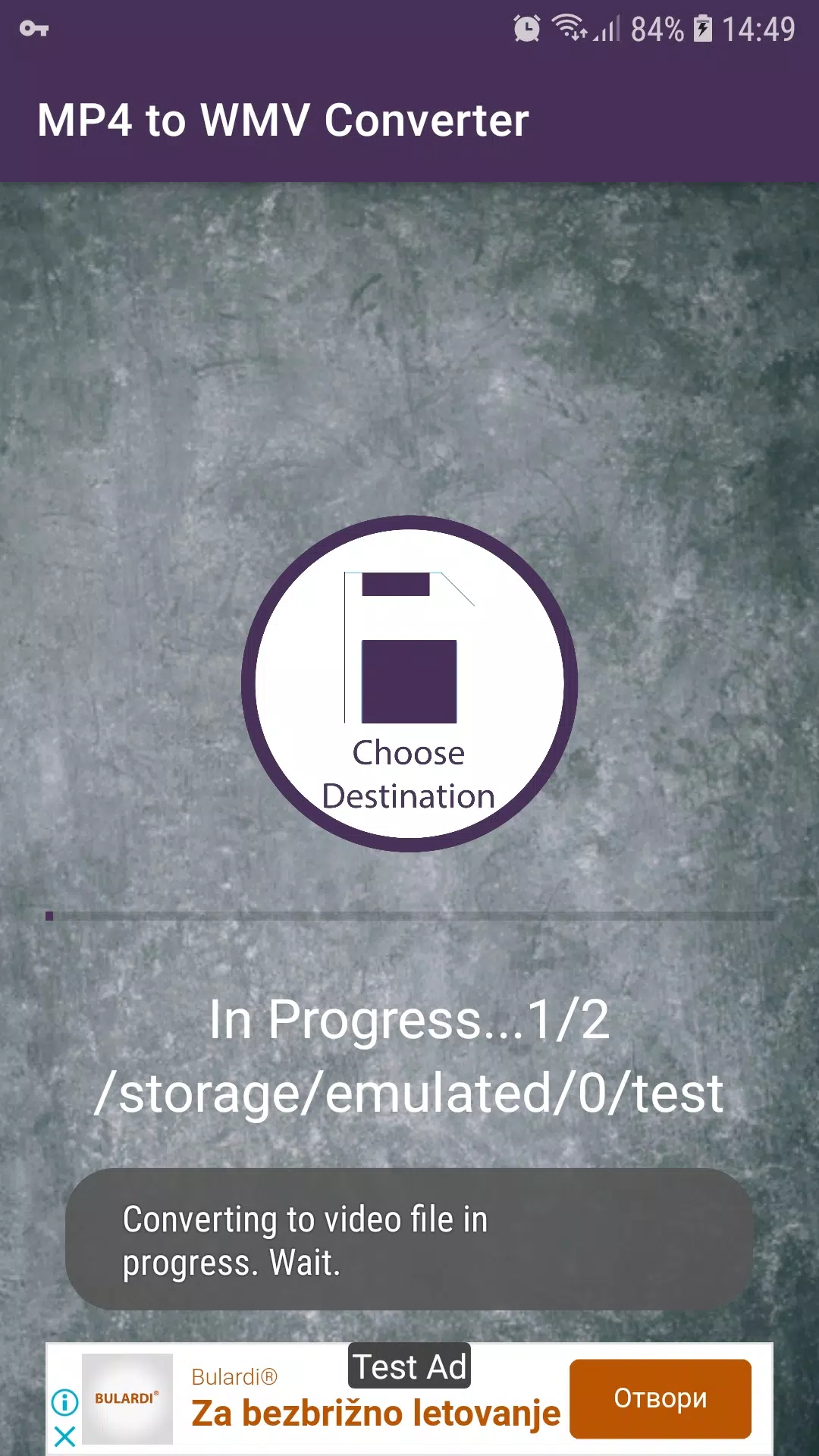
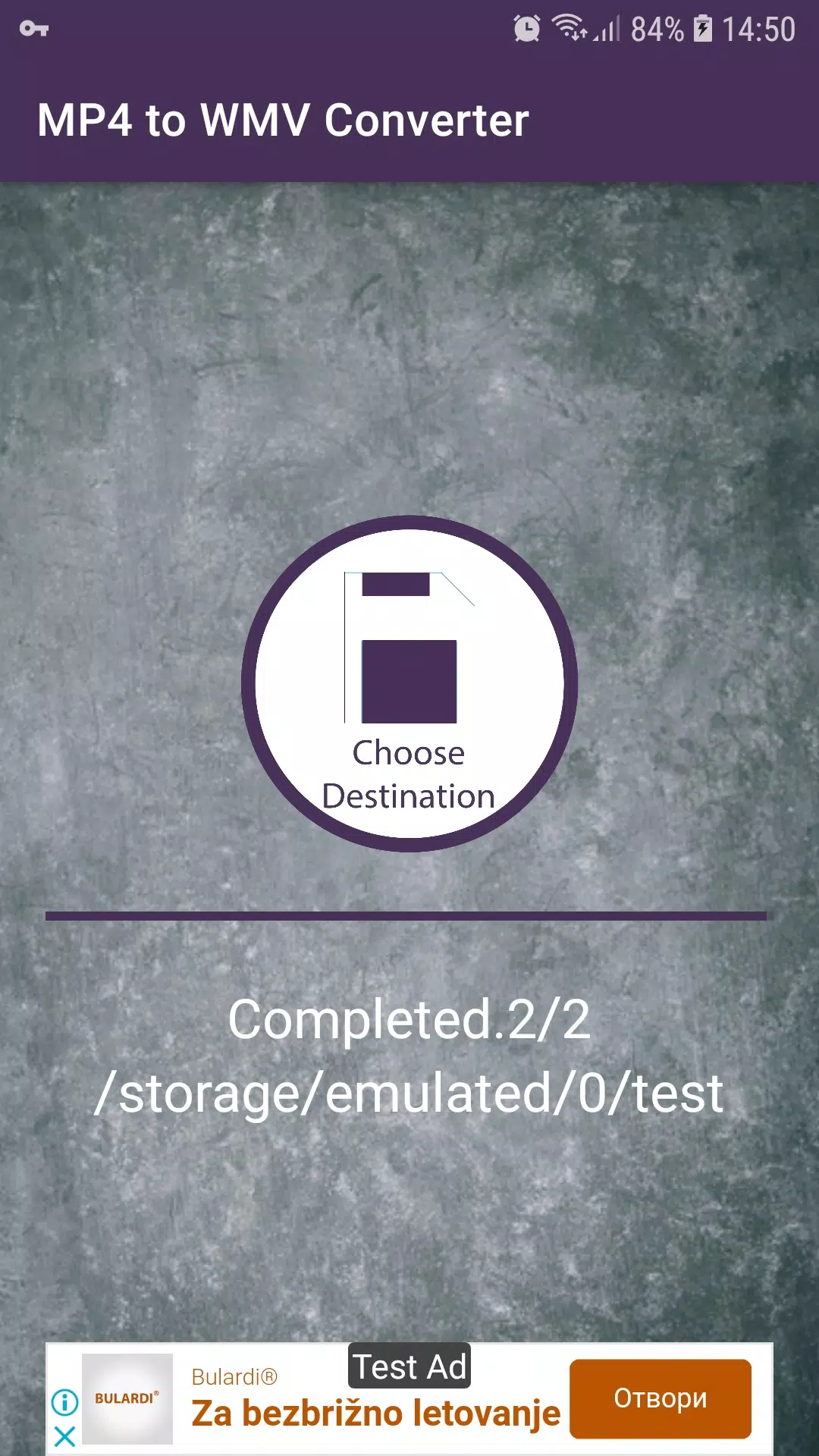
- Start conversion and monitor progress; converted files are saved to the selected folder for playback or sharing.
Supported formats
- Input examples: MP4, MOV, M4V.
- Output: WMV using common Windows Media codecs.