Fotova Gallery

4.2



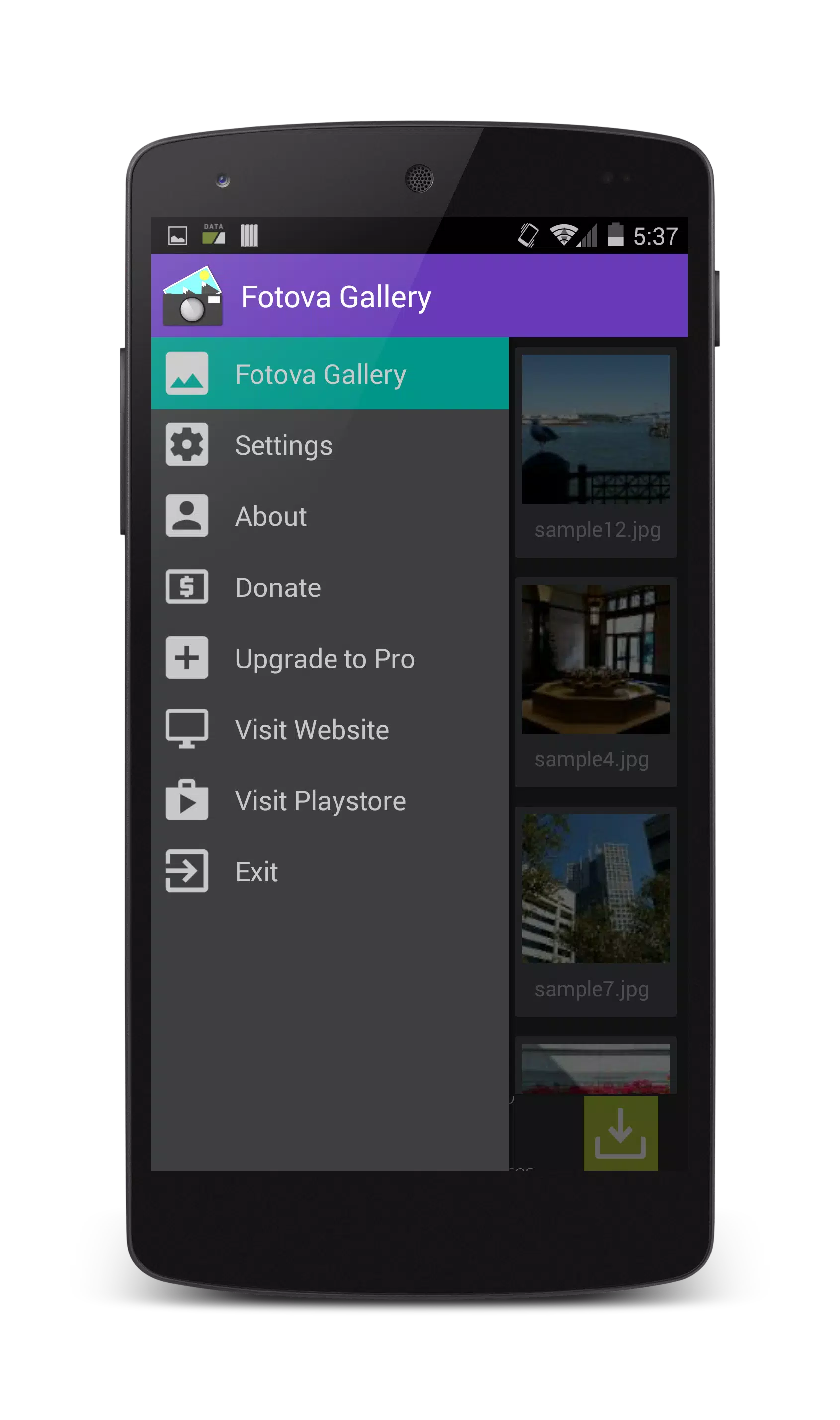
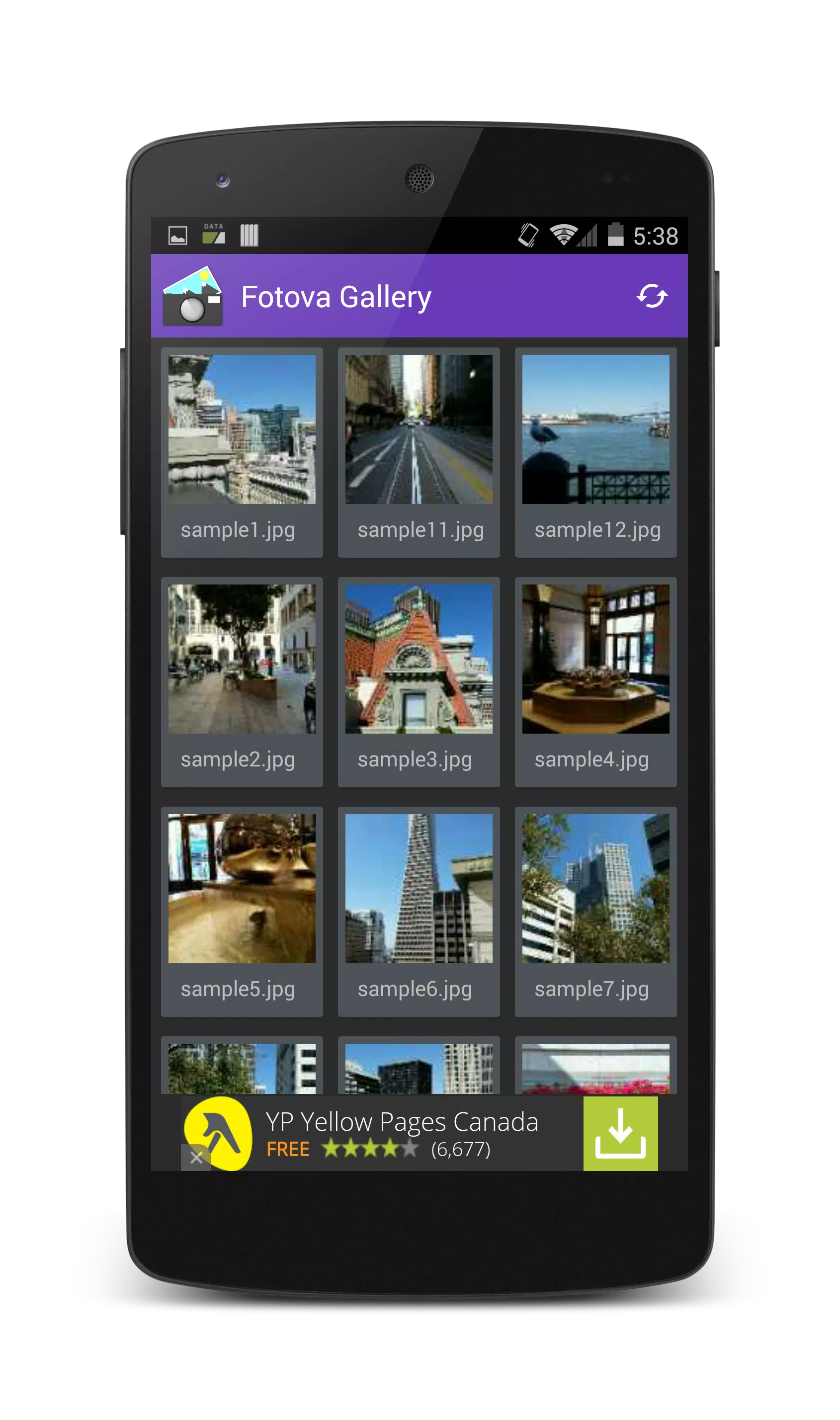
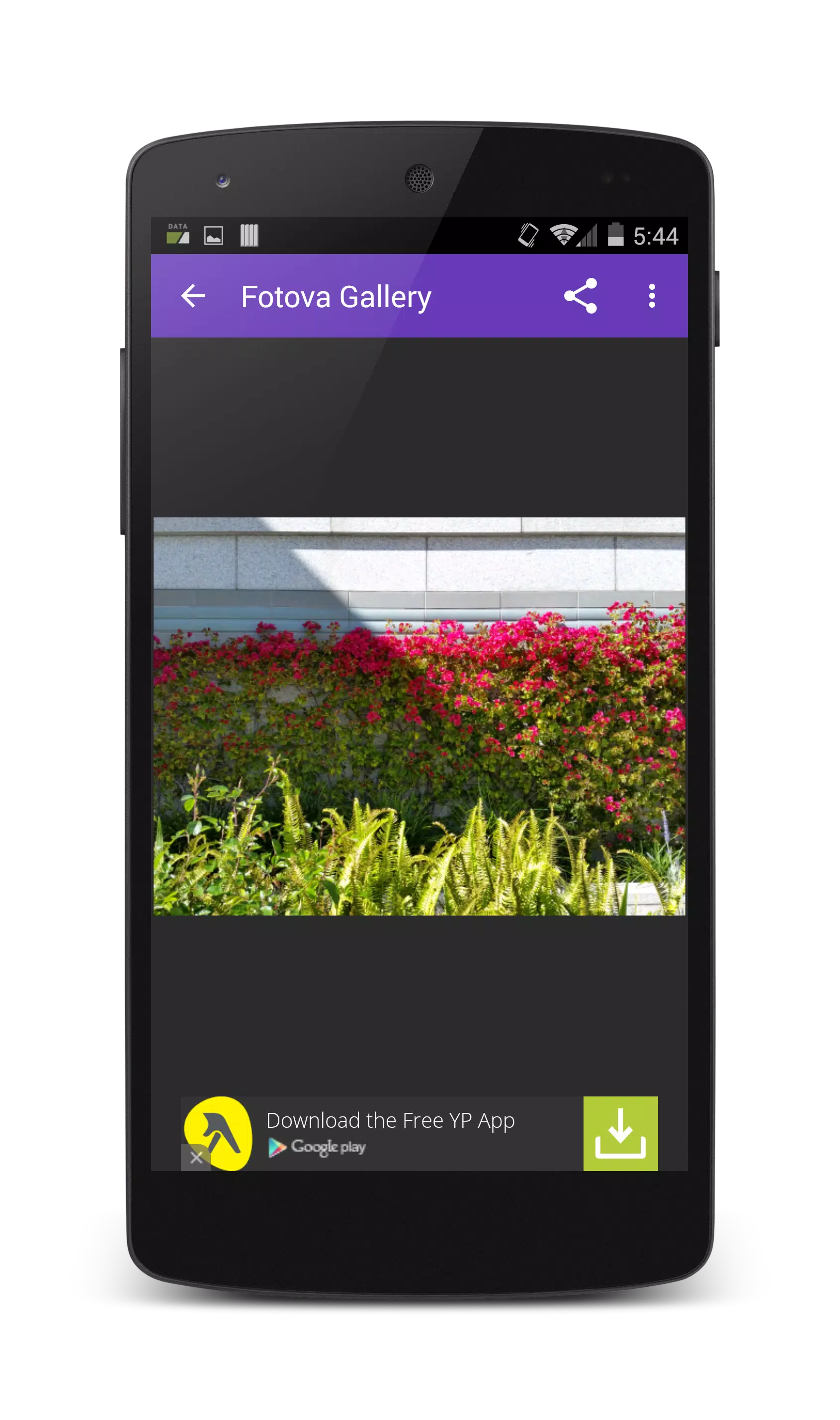
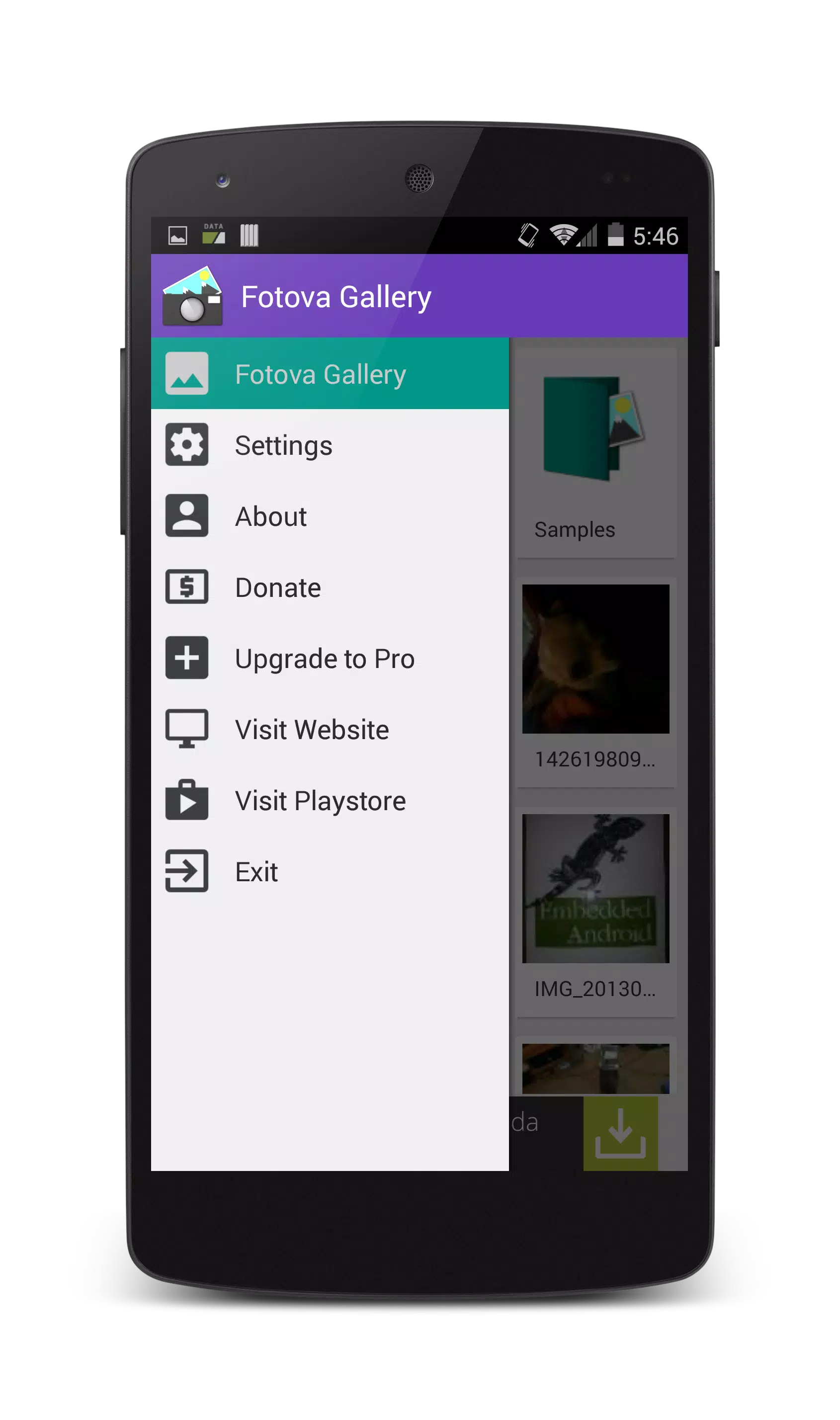
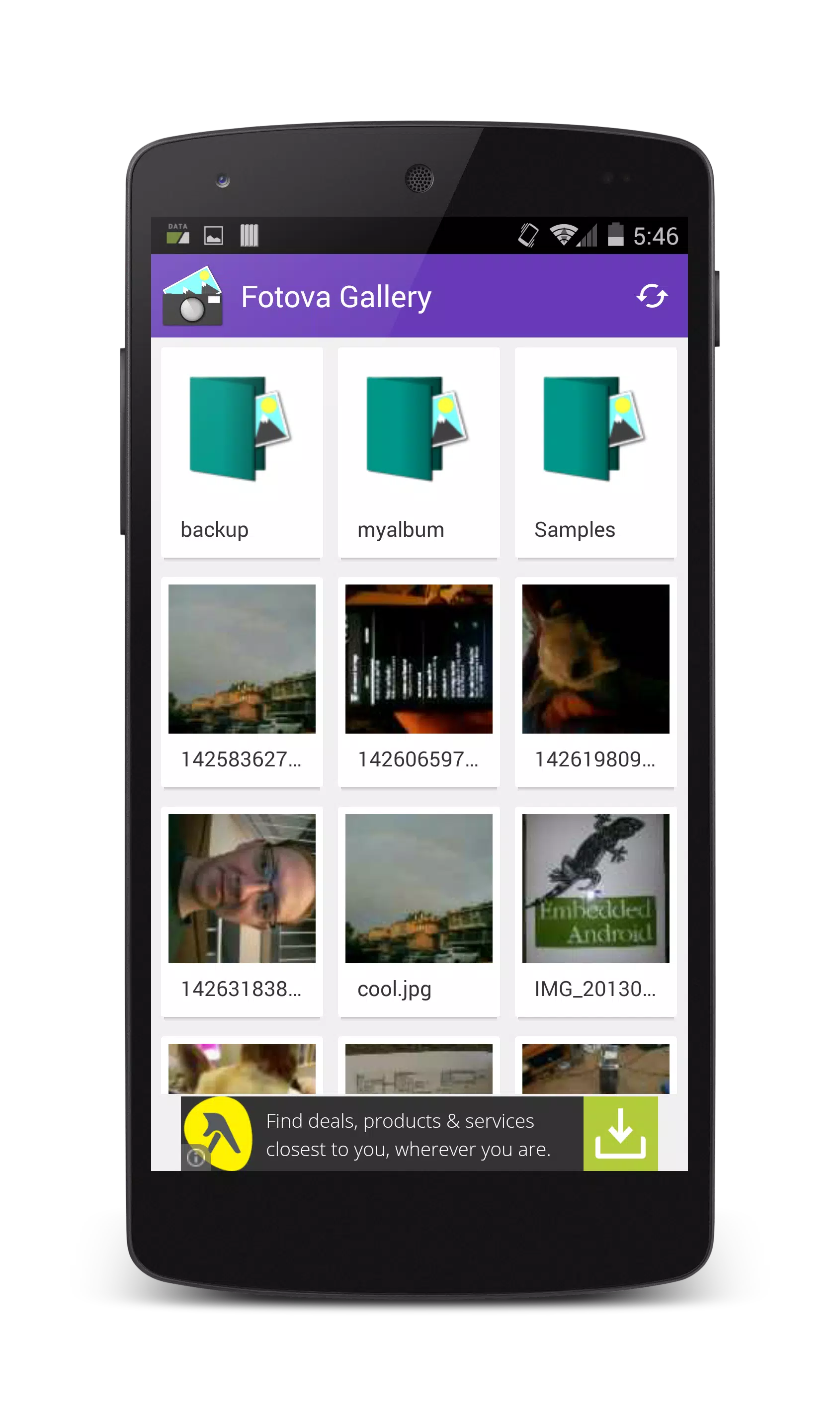
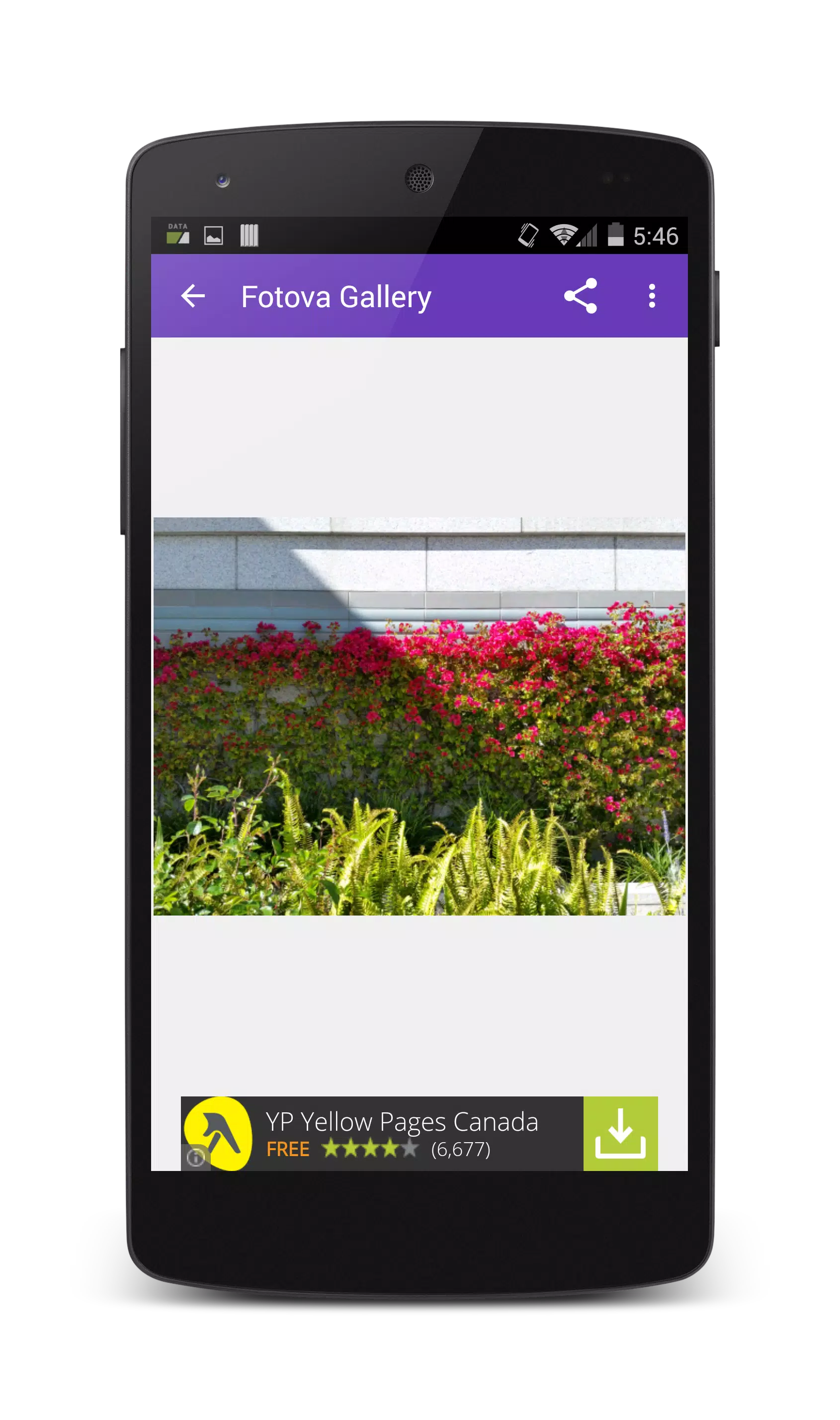
Fotova Gallery is a privacy-focused photo gallery that helps you share individual pictures without exposing your entire collection. The app’s signature Lock View feature prevents viewers from swiping to other images or using the back button until you manually unlock the view, so you can hand someone a single photo with confidence. Fotova Gallery also offers simple customization like light/dark themes, a selectable gallery directory (default: /sdcard/DCIM/Camera), a splash screen toggle, and basic file actions such as rename, edit, delete and share. If you want selective sharing and straightforward photo management, Fotova Gallery is a practical choice.
⭐ Lock View: tap the menu to enable a small lock icon on the image; viewers cannot swipe or use the back button until you unlock.
⭐ Selectable gallery directory with a sensible default (/sdcard/DCIM/Camera) so you control which folder is shown.
⭐ Interface customization including light and dark themes plus a splash screen toggle.
⭐ Advanced security options in the pro version: PIN, password, pattern and facial recognition unlock methods.
⭐ Basic photo management tools: rename, edit, delete, share and view properties.
⭐ Smooth image interaction with pinch-to-zoom and double-tap gestures for closer inspection.
✅ Fotova Gallery gives you granular control over what others can see, reducing accidental browsing of private photos.
✅ The interface is straightforward and focused, making it quick to share a single image without extra steps.
✅ Settings let you tailor the app to your habits, from theme choice to which folder is used as the gallery.
✅ Pro users get multiple unlocking methods for stronger access control and convenience.
❎ Some advanced security features are restricted to the pro version, requiring an upgrade to access PIN, password, pattern and facial recognition options.
❎ Editing capabilities are basic—Fotova Gallery focuses on organization and secure sharing rather than full-featured photo editing.
❎ Lock View must be manually unlocked to restore normal navigation, which can be inconvenient if you forget to disable it.






















