HTG TurboX – Gaming Tools

4.3



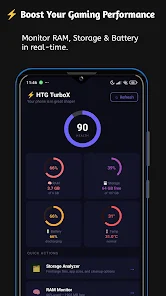

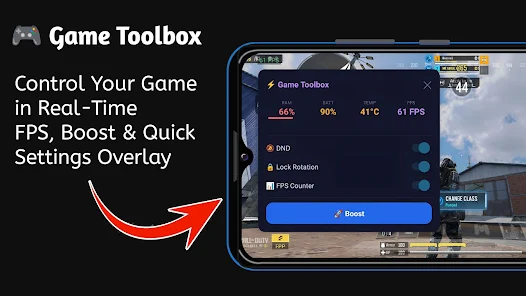
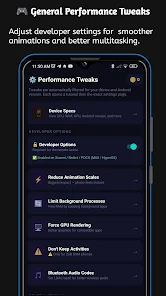
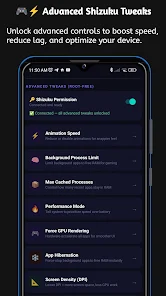
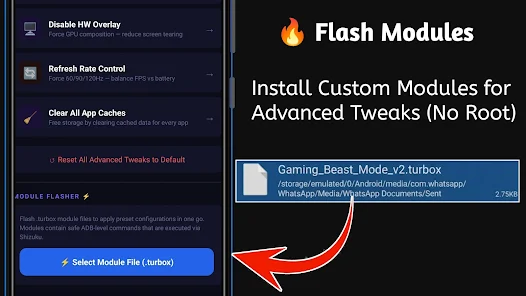
HTG TurboX – Gaming Tools helps optimize Android devices for smoother gameplay by monitoring frame rates and system performance and providing per-game tuning options.
Real-time FPS and performance metrics display FPS, CPU and memory usage so you can track how games behave on your device. Per-game performance profiles let you create and switch settings that limit background activity and adjust priorities to stabilise frame rates. Network stabilization tools aim to reduce stutter and improve connection stability without altering game traffic. A lightweight on-screen overlay and configurable shortcuts provide quick access to tuning options while playing. Power and thermal settings help balance performance and battery use to avoid overheating and excessive drain.
With HTG TurboX – Gaming Tools you can configure profiles that match your device and preferred games; the app requests only the permissions necessary for overlays and monitoring and does not modify game files. Follow the in-app guidance to apply changes gradually and verify stability before long sessions. HTG TurboX – Gaming Tools is designed to run with minimal overhead so you can focus on gameplay rather than background management.






















