Harvest

4.3



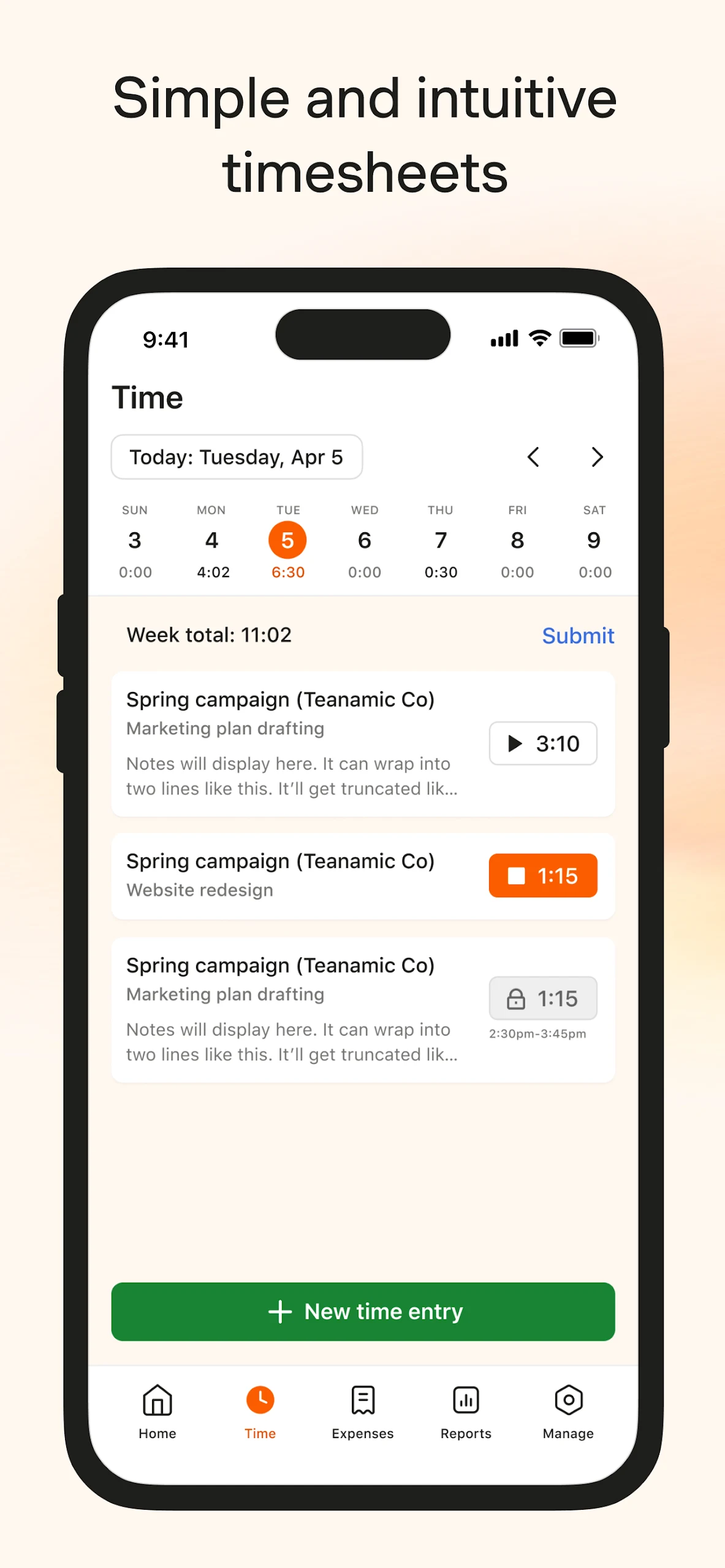
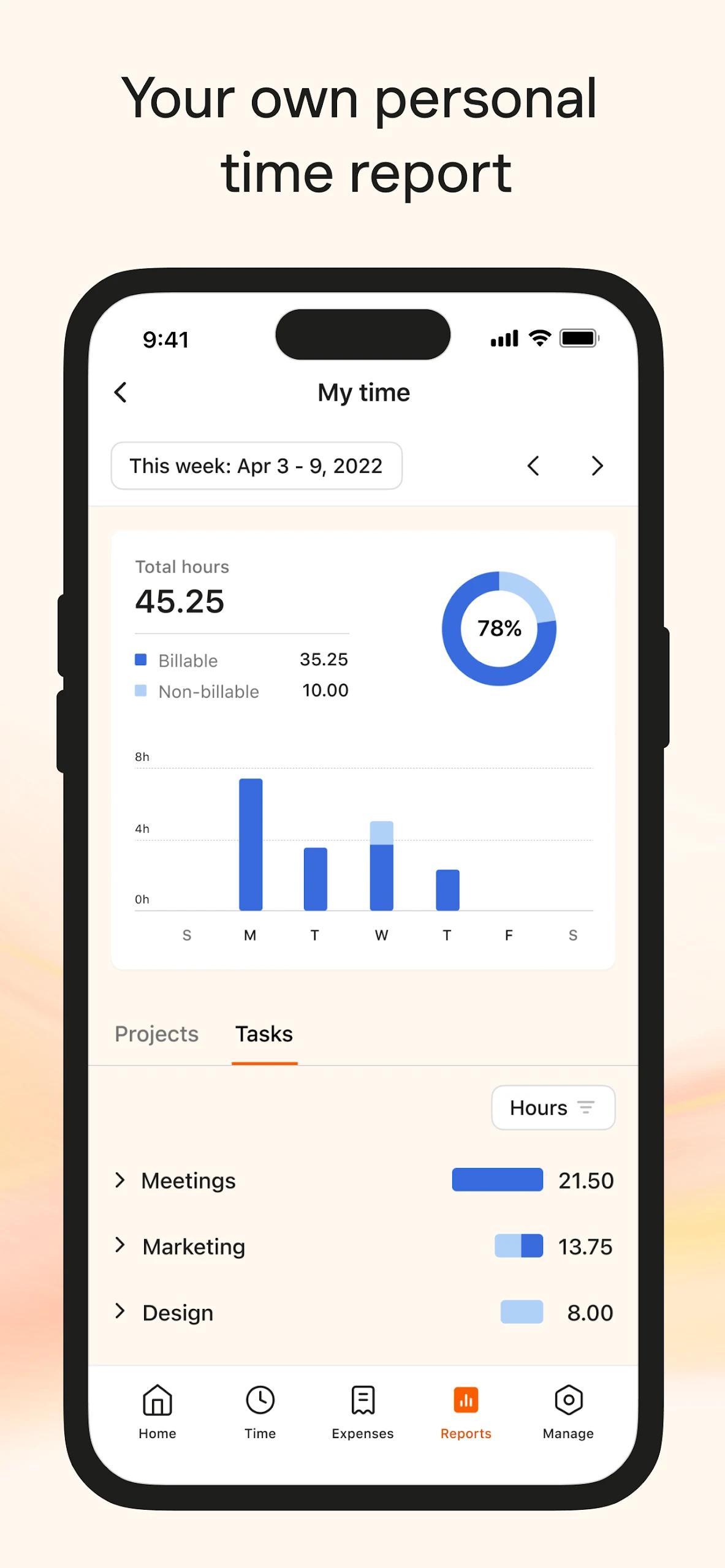
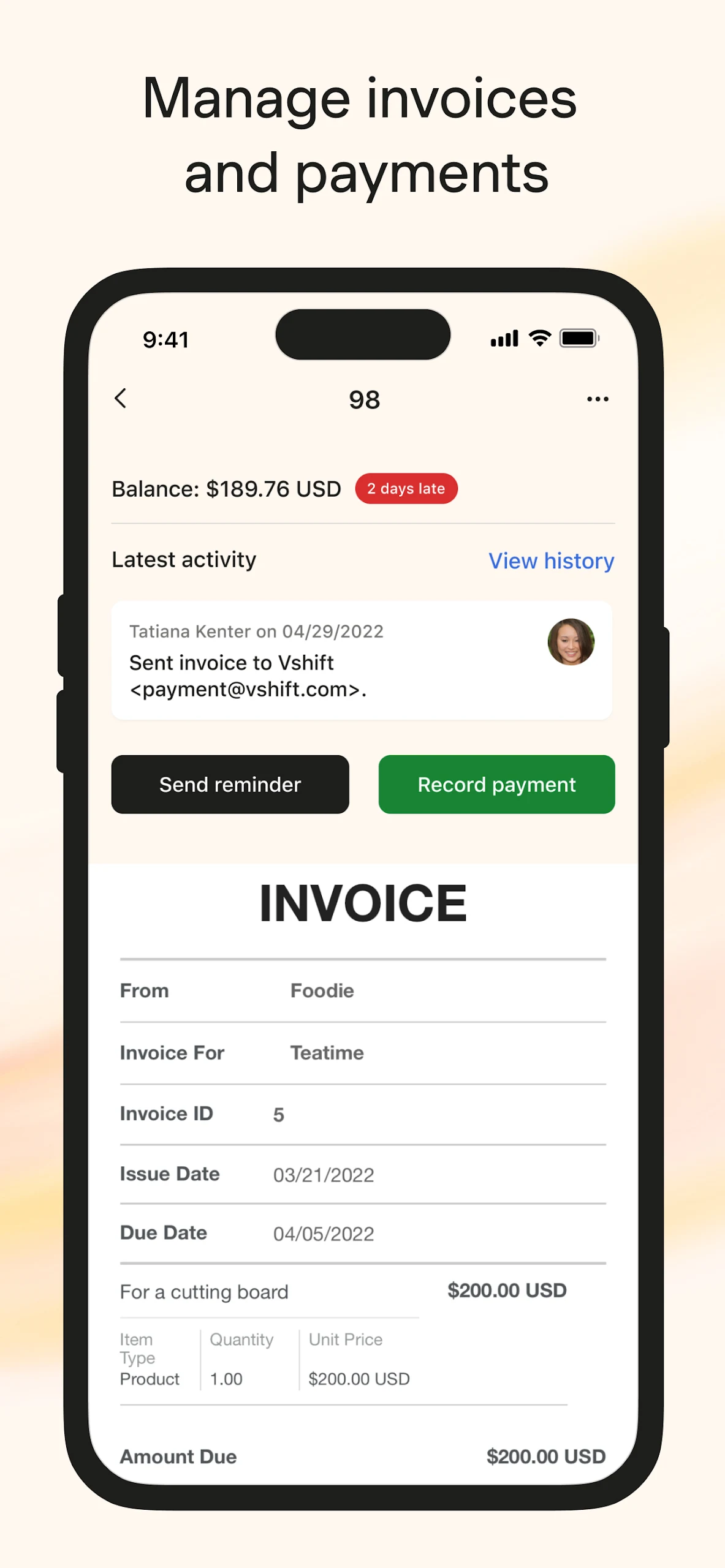
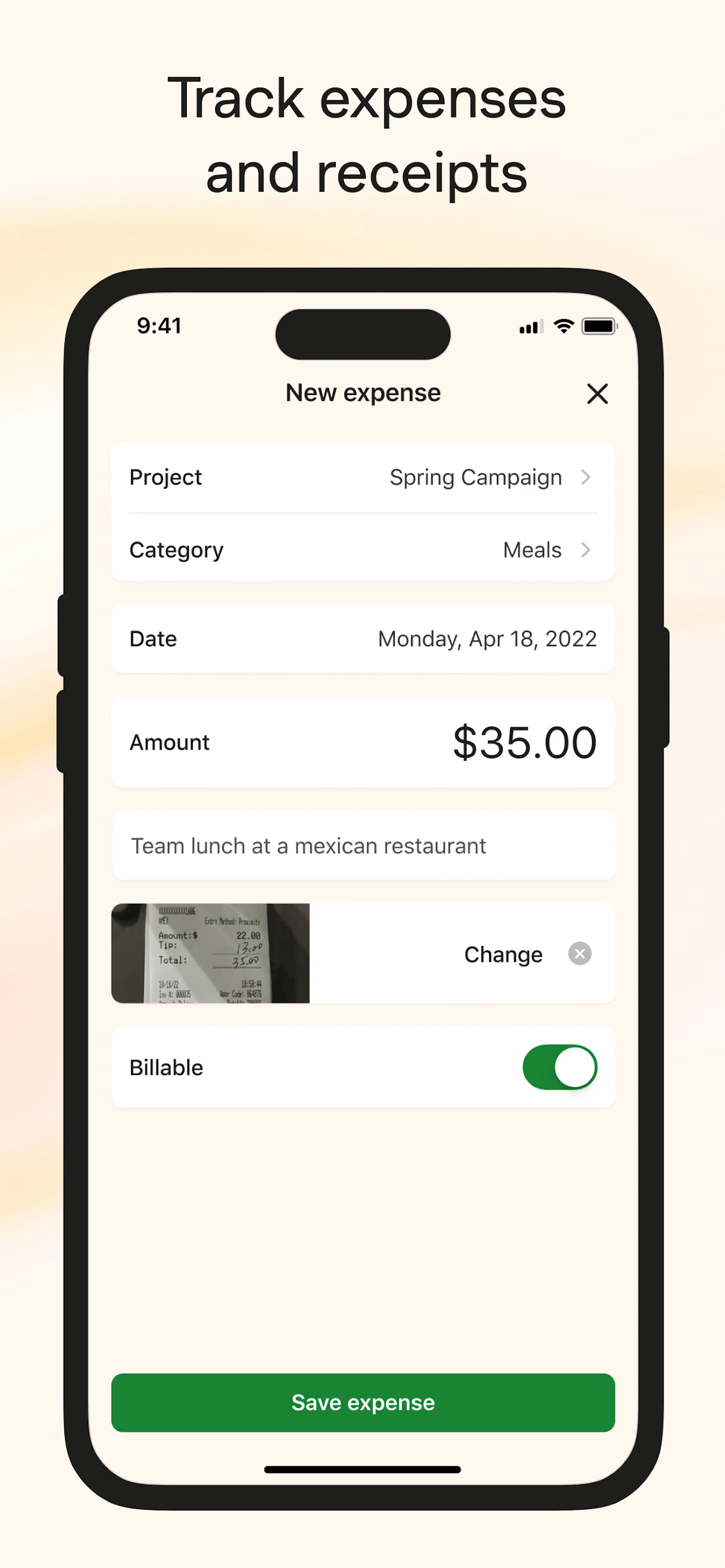
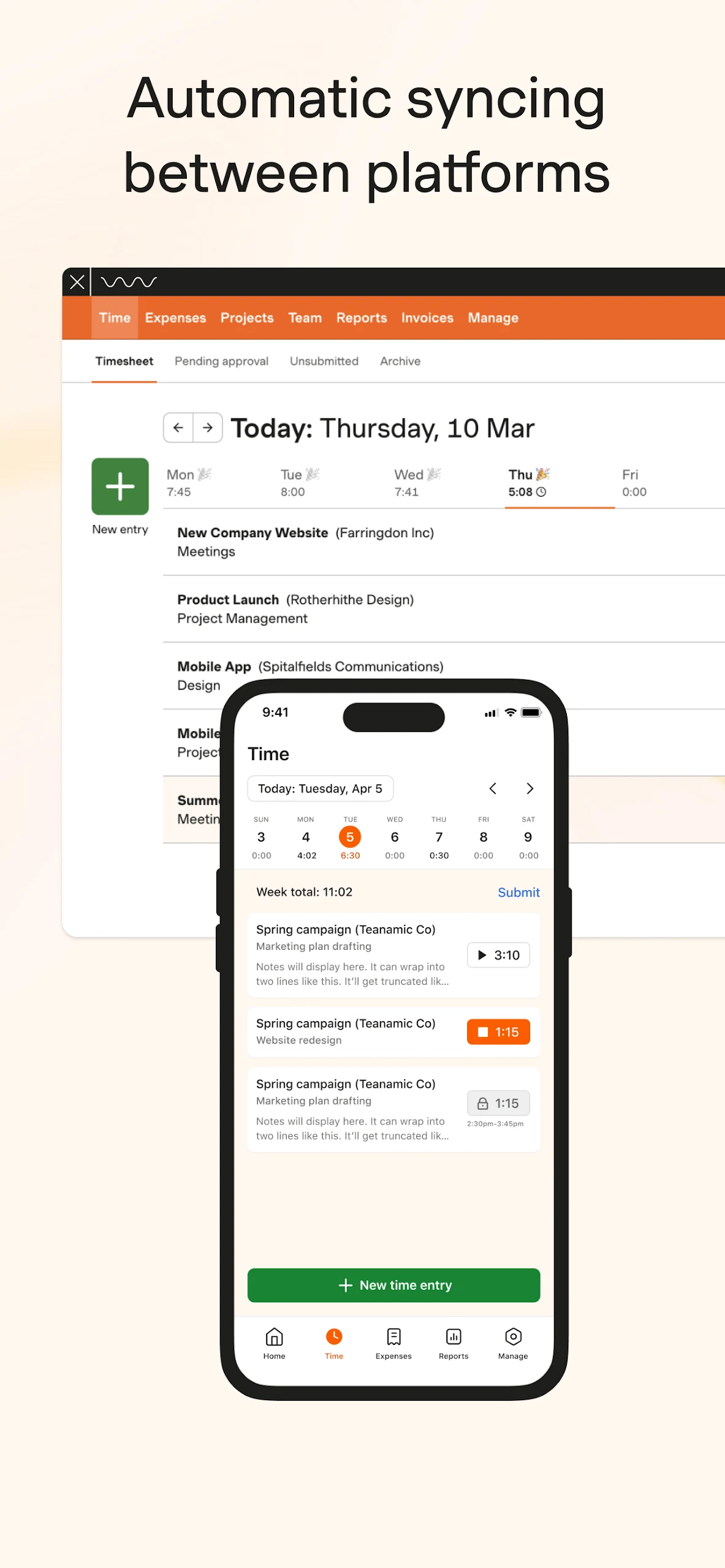
Harvest helps teams stay productive by combining simple time tracking, expense capture, invoicing and real‑time reporting into one mobile tool. With Harvest for Android you can start and stop timers from anywhere, log expenses (including receipt photos), track mileage, and send polished invoices while on the go. Managers get quick insight into how team hours are distributed and projects are progressing, and staff can mark time as billable or non‑billable and edit entries later. If you bill hours or run project‑based work, this app reduces busywork and speeds up reporting and payments.
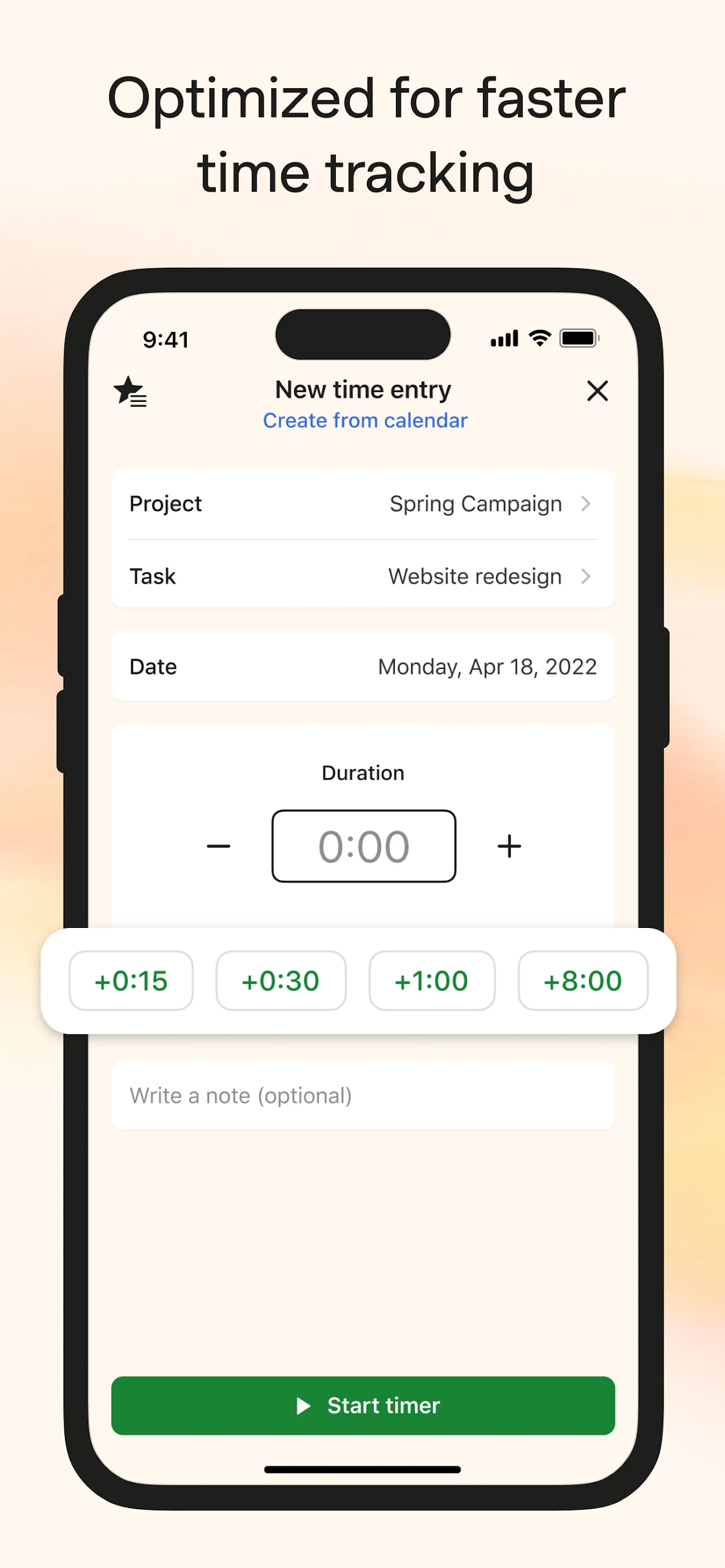
⭐ Start and stop timers for projects and tasks with a single tap, and use Quick Time Entry to add frequent time values fast.
⭐ Pin commonly used time entries to your home screen for instant timer activation and review previous entries to keep records accurate.
⭐ Capture expenses on the move by photographing receipts, logging costs, tracking mileage, and associating expenses with client projects.
⭐ Mark hours as billable or non‑billable, edit entries later, and keep working whether you’re online or offline.
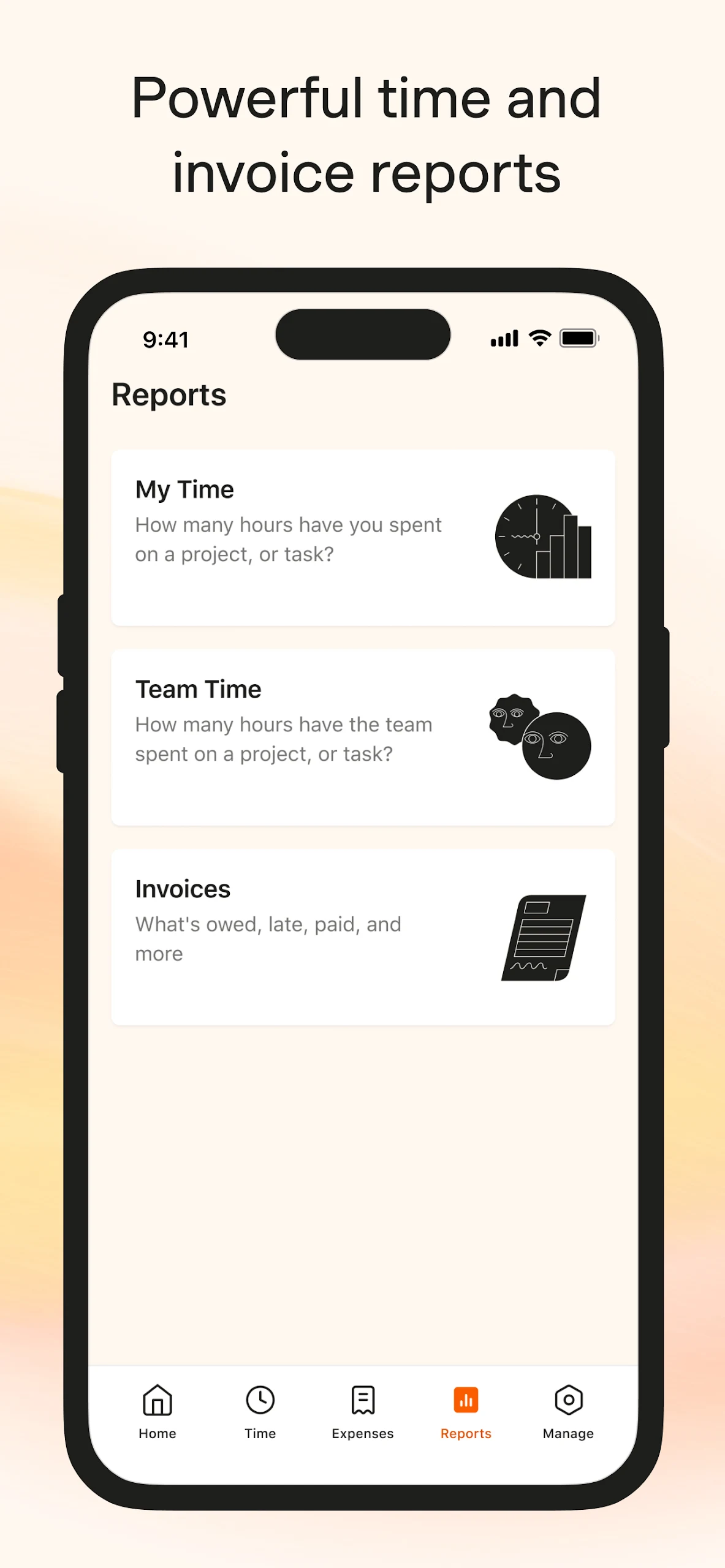
⭐ Access concise reports to see how team time is allocated and stay coordinated across projects in Harvest.
✅ Fast, one‑tap timers and quick entry options reduce the overhead of timekeeping and make tracking less intrusive.
✅ Mobile receipt capture and organized expense logs simplify reimbursements and client billing.
✅ Team reports provide actionable insight into resource allocation so managers can prioritize work and budgets more effectively.
✅ Integrated invoicing and payment tracking help close the loop from time logged to money received, speeding up cash flow in Harvest.
❎ Some notification and email settings are managed at the account or administrator level, so individuals may not control every alert.
❎ Budget alerts and timesheet approval features depend on plan support, which means advanced notifications may be unavailable on all accounts.
❎ The app is centered on team and project workflows, so solo users with very simple needs may find parts of the interface more than necessary.






















