Click Wood

4.1



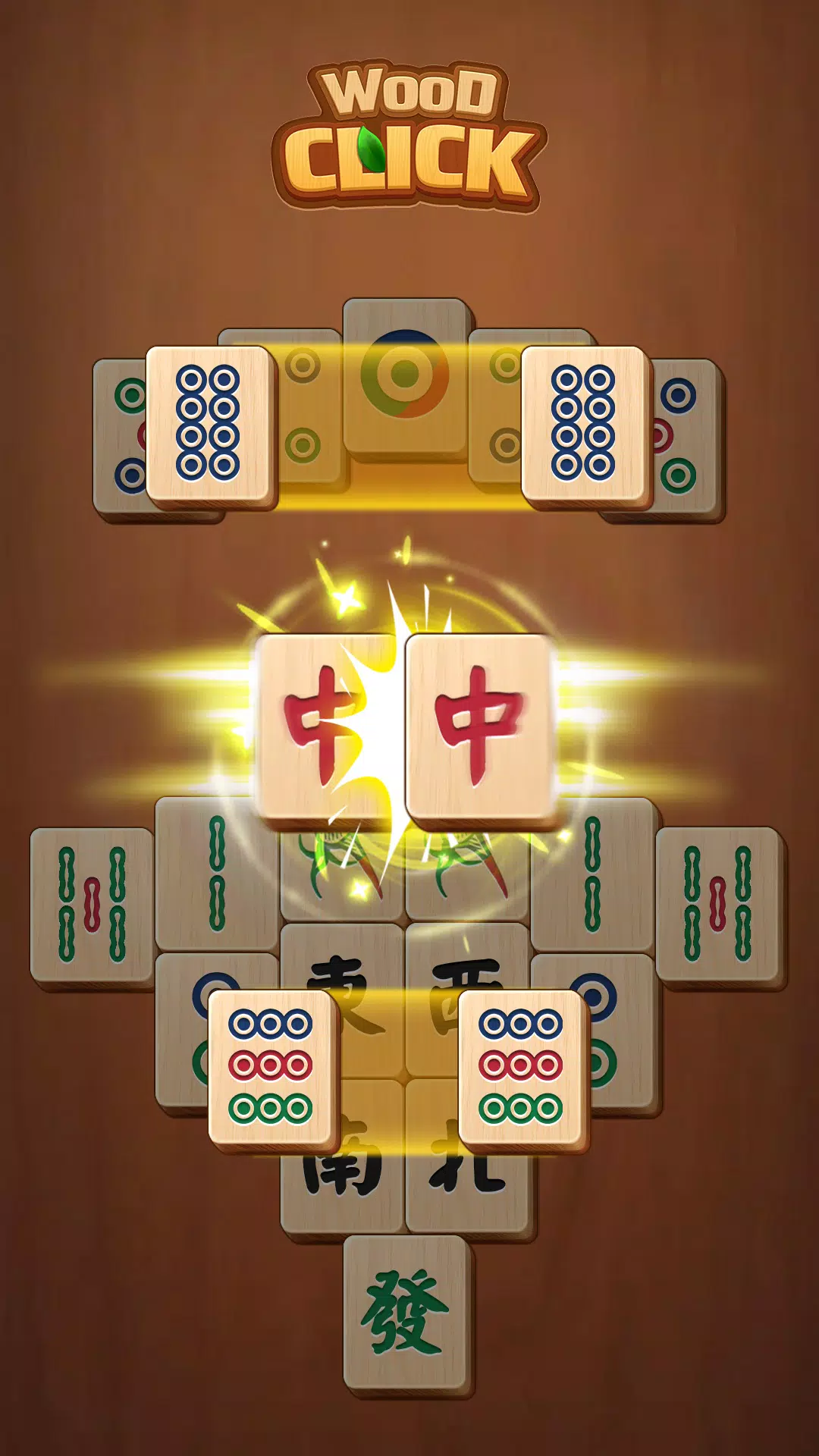
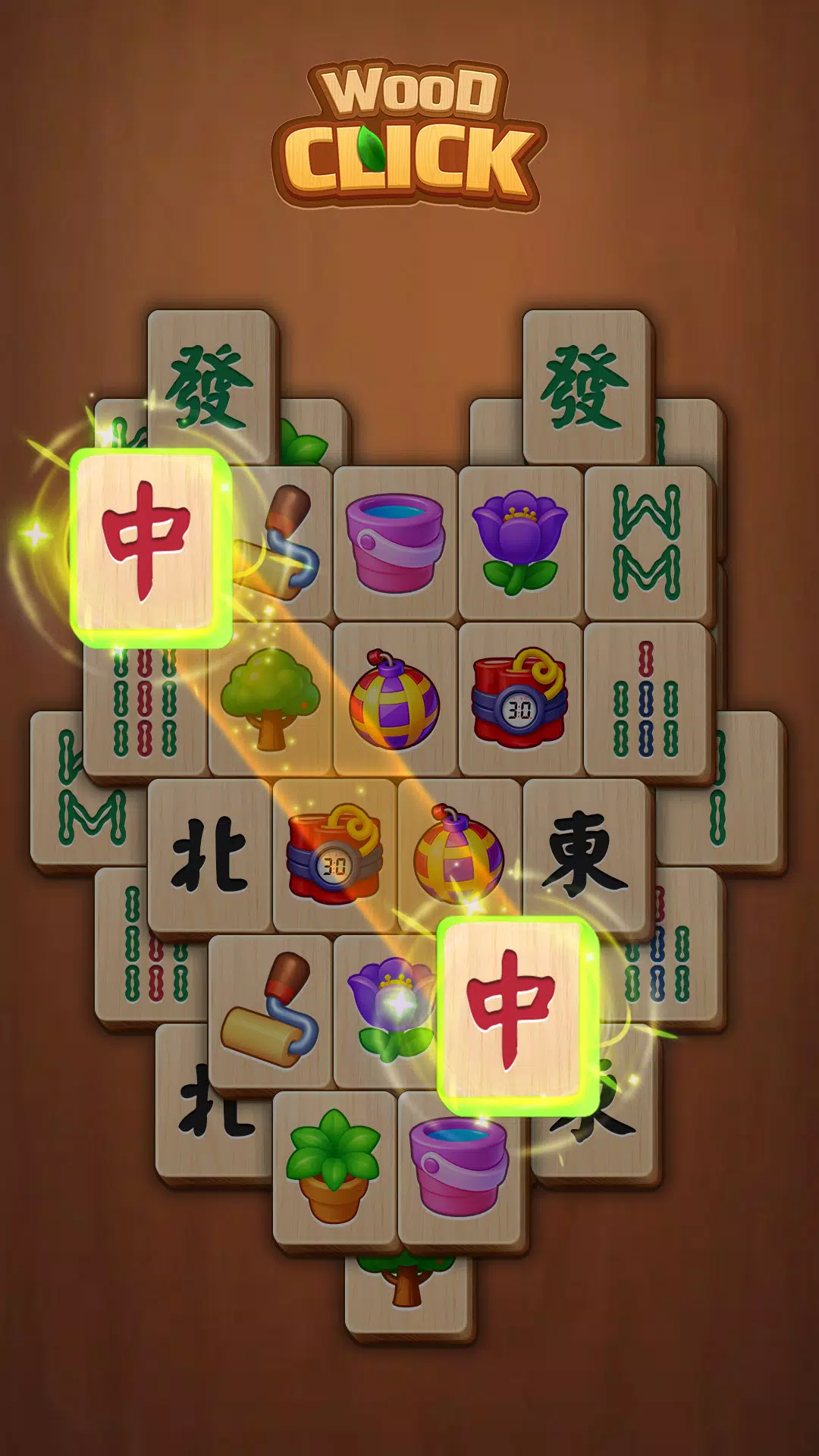
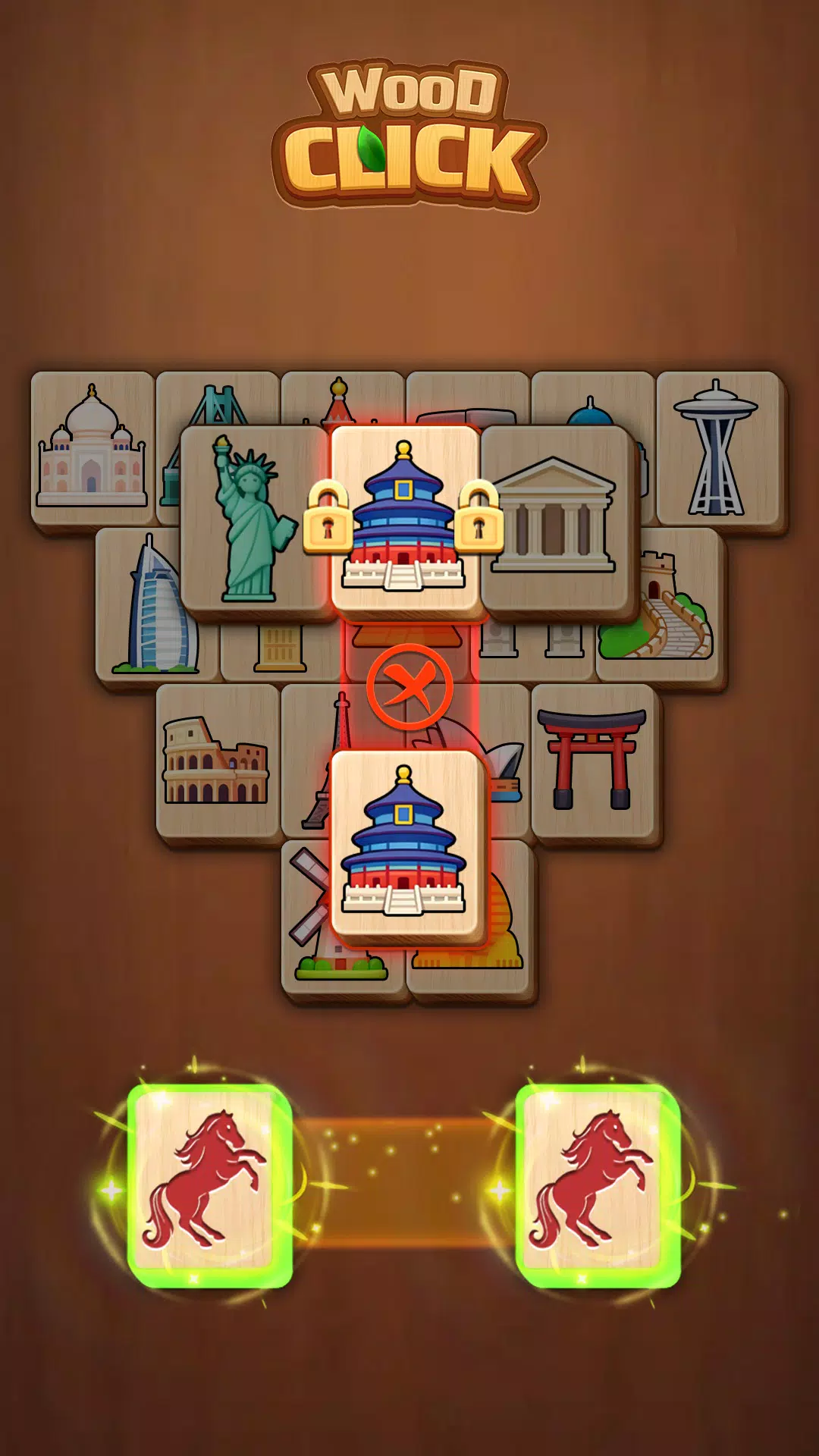
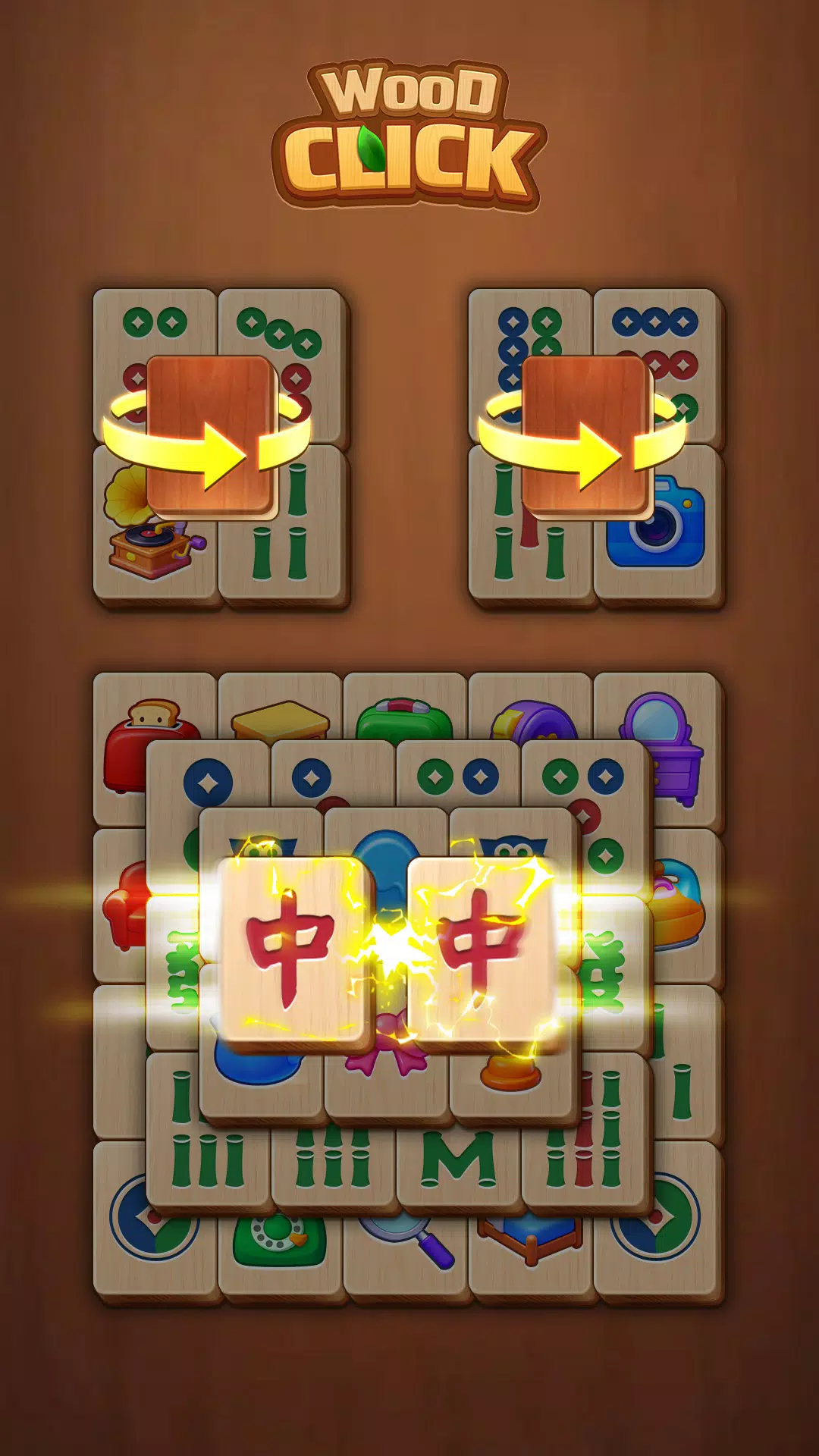
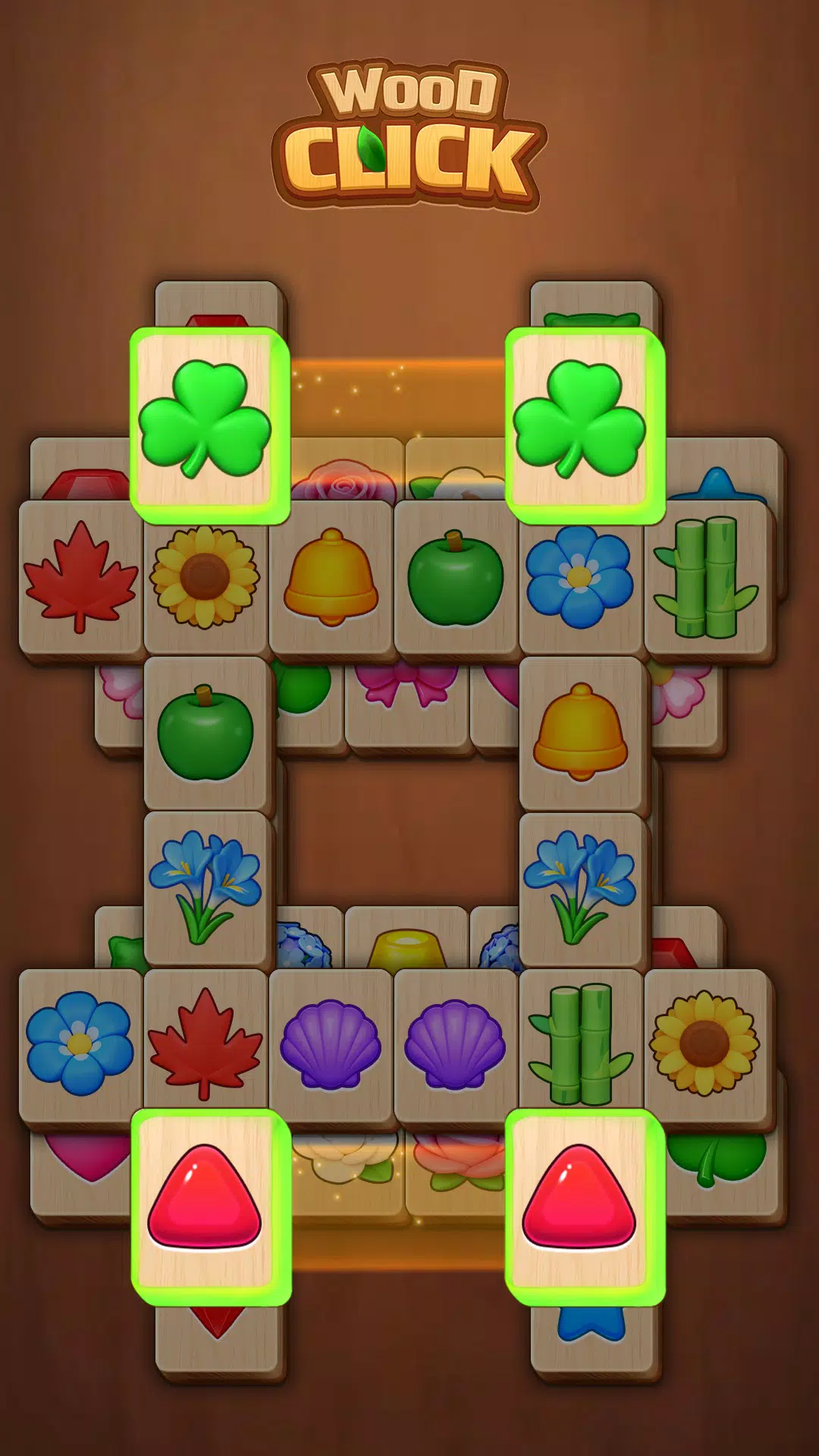
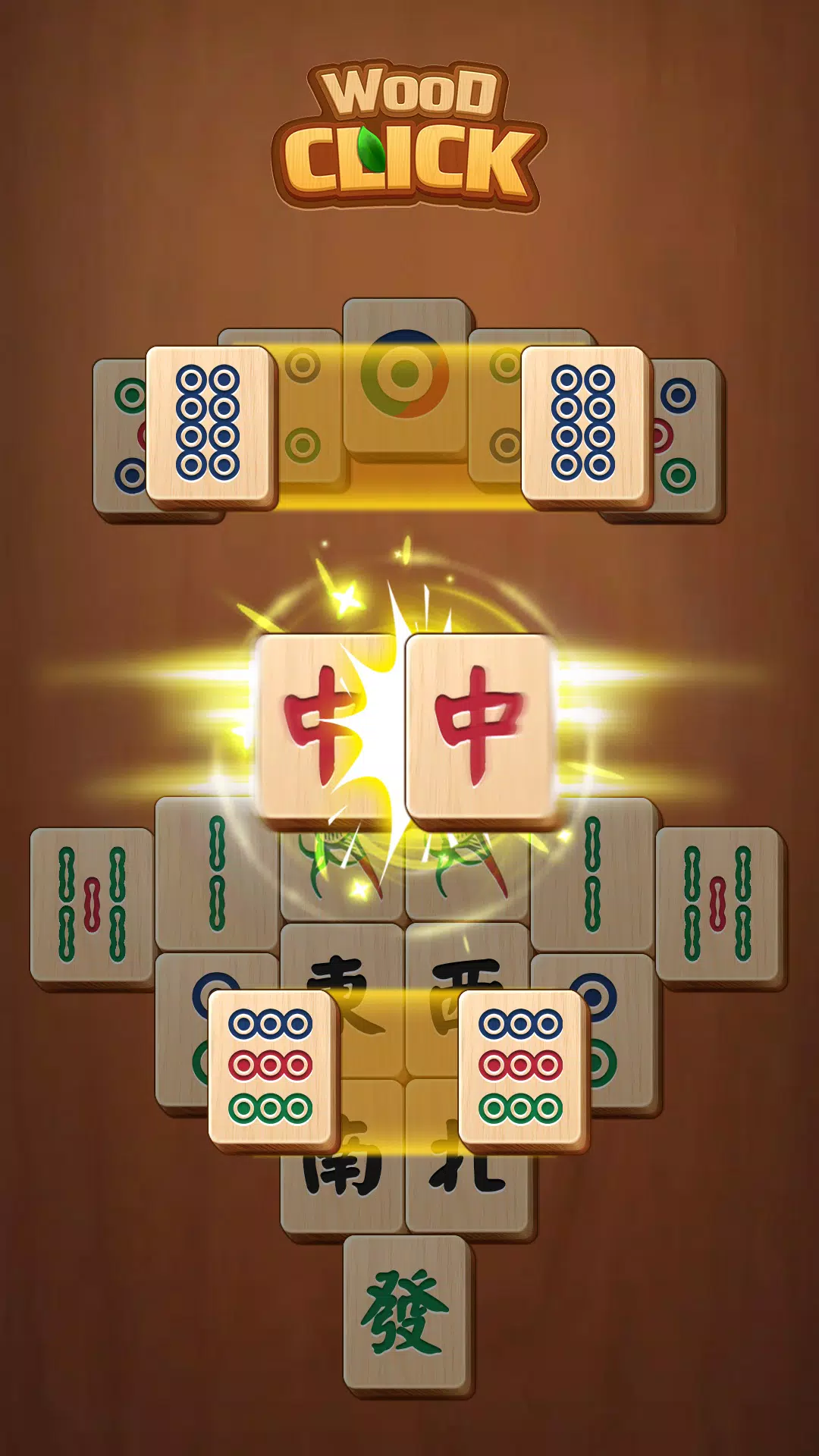
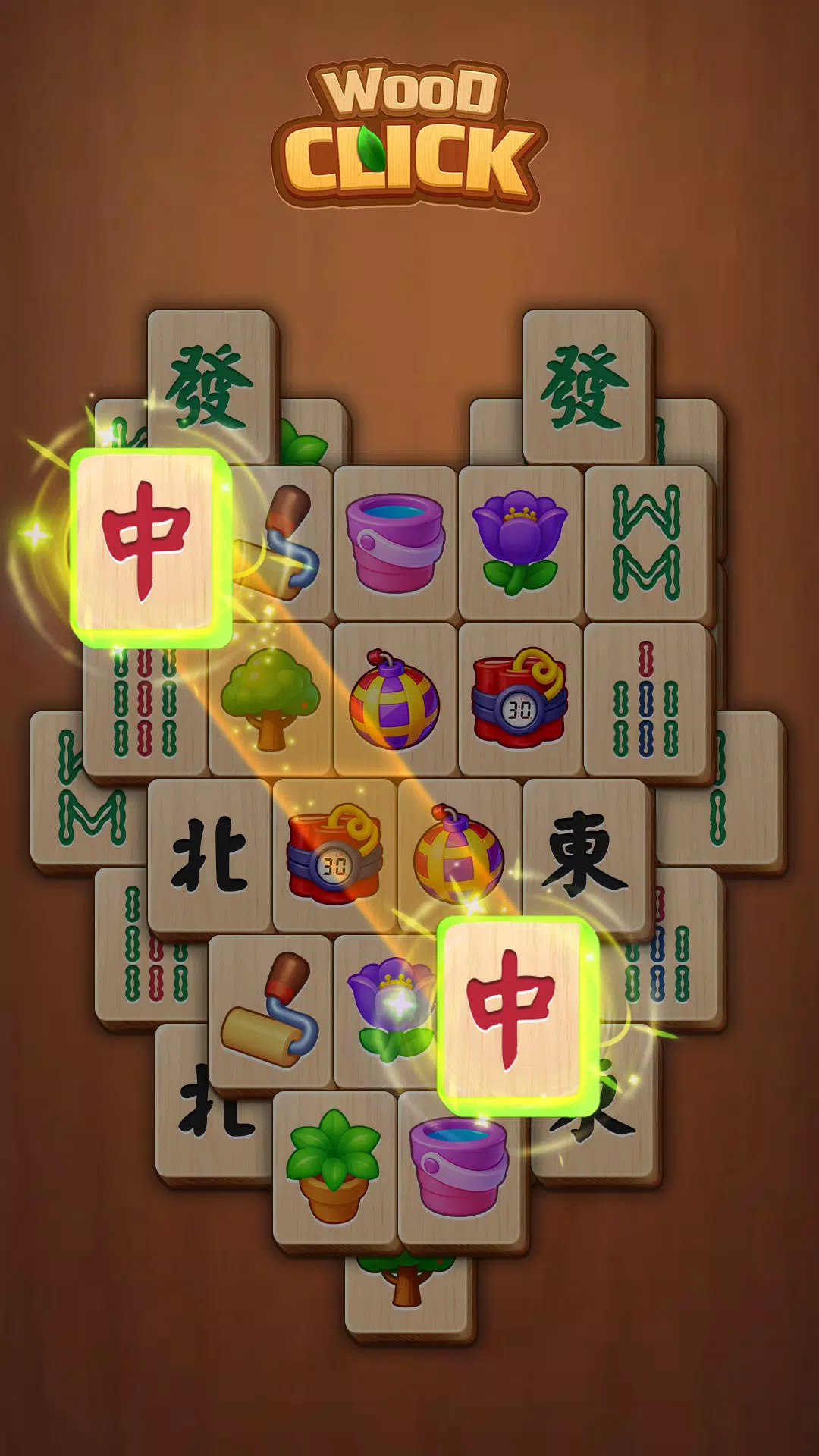
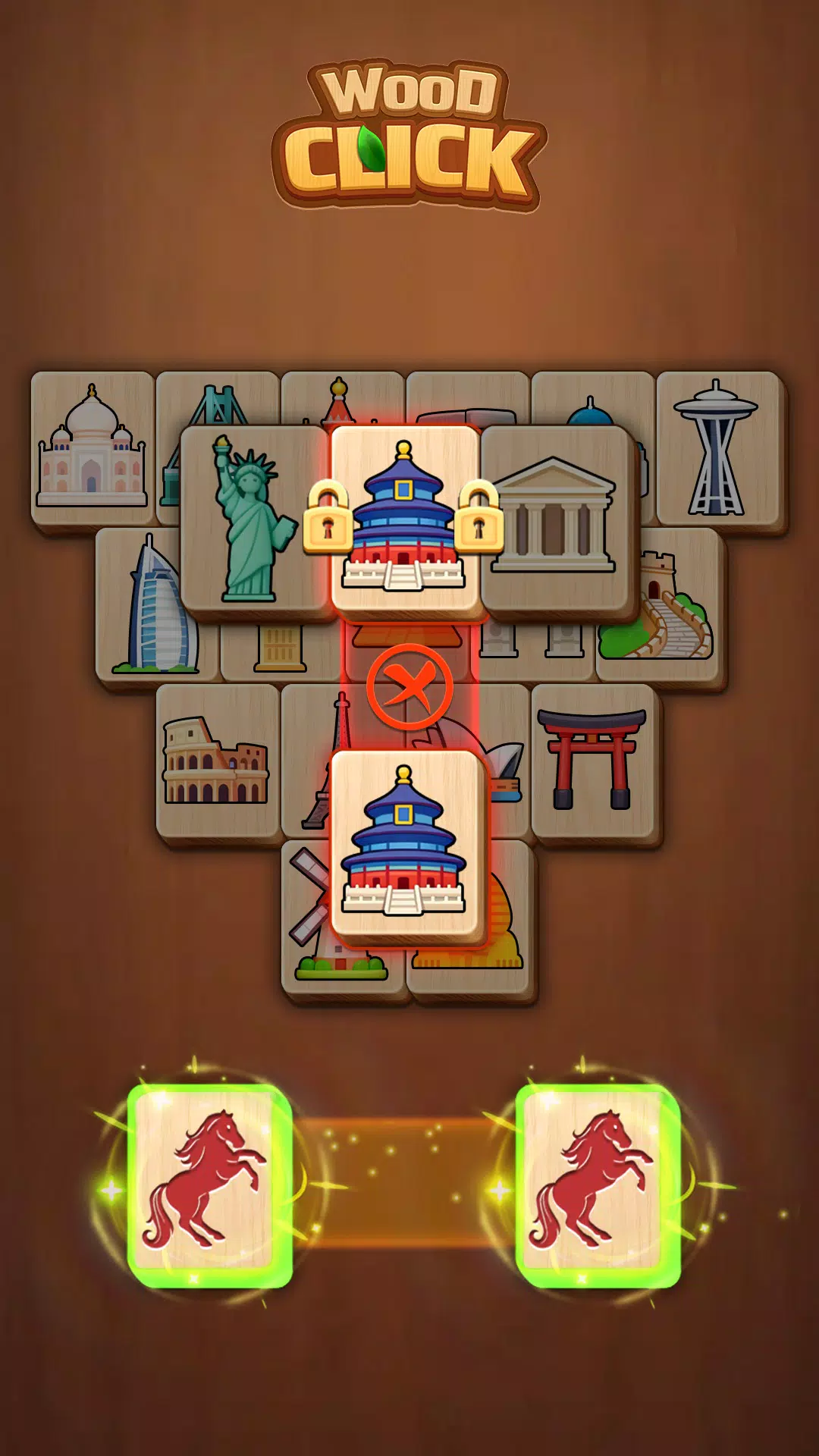
Click Wood is a peaceful mahjong solitaire app that pairs classic tile-matching with a warm wooden aesthetic to help players unwind and sharpen their minds. Click Wood presents large, easy-to-read wooden tiles and a simple interface designed for comfortable play on phones and tablets, making it especially welcoming to older adults and anyone seeking a low-pressure puzzle experience. The focus is on calm, patient gameplay: you remove matching free tiles to clear each board, explore millions of unique layouts and enjoy sessions that fit short breaks or extended relaxation without timers or stressful constraints.
The core experience emphasizes clarity and comfort. Large wooden tiles with clear symbols reduce eye strain and make pattern recognition straightforward, while a minimal interface keeps distractions to a minimum. Helpful tools such as hints, an undo option and a shuffle function are available to assist when you get stuck, and all puzzles are playable offline to preserve battery and data. The overall package is deliberately uncluttered: smooth animations, subtle sound options and simple menus support a sleep-friendly routine and slow, deliberate play.
Interaction is intentionally simple so anyone can pick it up quickly: tap a tile to select it, then tap a matching free tile to remove the pair. Free tiles are determined by standard mahjong solitaire rules—tiles that are not blocked on both sides and have at least one edge free—so spatial reasoning and planning matter. Hints visually highlight possible matches, undo returns the last move when available, and shuffle rearranges remaining tiles to open new possibilities without introducing new pieces. The straightforward controls make the game suitable for players who prefer touch-first interactions, with responsive tap recognition and forgiving input behavior.
Rather than forcing a single path, progression in Click Wood comes from gradually encountering more complex board arrangements and layered tile patterns. Early layouts are intentionally open and simple, letting new players learn matching patterns, while later puzzles introduce denser stacks and tighter spacing that reward careful planning. Optional difficulty adjustments can change the density and layering of boards so players who want a longer, more strategic session can seek out deeper challenges, while casual players can stick to easy, calming boards. The variety of layouts and the occasional use of limited boosters encourage repeated improvement in concentration and memory without pressure.
The visual identity centers on natural wood textures, warm tones and high-contrast markings that keep the look readable at a glance. Click Wood offers several wood finishes and tile face styles so you can tailor the look to your preference: from pale pine to darker walnut, each option retains clear symbols and comfortable spacing. Adjustable tile size and a simpler high-contrast mode help fine-tune the display for different screen sizes and lighting conditions. The unobtrusive background and calm visual palette are intended to be easy on the eyes during evening play.
Accessibility is an important part of the design: large tile faces, clear iconography and the option to increase tile spacing reduce cognitive load and make matching easier for users with visual or motor limitations. Menus use readable fonts and straightforward labels, and the hint and undo tools give players control over pacing. Sound and vibration cues are optional, so the experience can remain quiet and sleep-friendly. The interface avoids clutter, making navigation direct and predictable for players new to mahjong solitaire or returning after a long break.
Click Wood runs smoothly on a wide range of devices with optimized performance for phones and tablets; minimal background network use means you can play offline during travel or in low-signal environments. Replay value is driven by the sheer number of unique board layouts and the slight variations introduced by shuffle and hint strategies—no two sessions feel exactly the same. Because the game encourages a relaxed, puzzle-first approach rather than timed pressure, players often return to refine their approach, improve pattern recognition and use boosters more efficiently over time.
Overall, Click Wood is a low-stress mahjong solitaire designed to promote calm focus and gentle cognitive exercise. It balances familiar matching mechanics with careful design choices—large tiles, natural textures and helpful assist features—that make the game approachable and enduring. Whether you want a short, soothing session before bed or a longer period of thoughtful play, the app aims to deliver a comfortable, accessible tile-matching experience without unnecessary complications.